Wireless Charging Station with Alarm Clock and Temperature Display
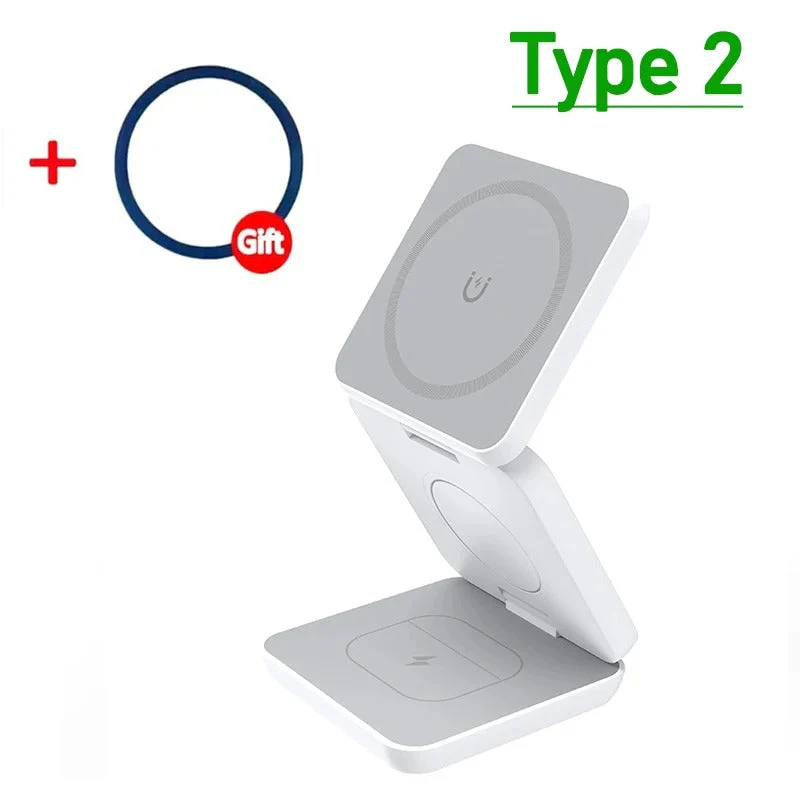
Your bedside or desk can be a hub of convenience with this all-in-one charging station. Combining a clock, alarm, temperature display, and wireless charging capabilities, this compact device helps you minimize clutter while keeping essential functions easily accessible.

Key Benefits
- 4-in-1 Functionality: This device integrates a clock, alarm, temperature display, and charging pad in one unit, promoting a tidy space with fewer cables.
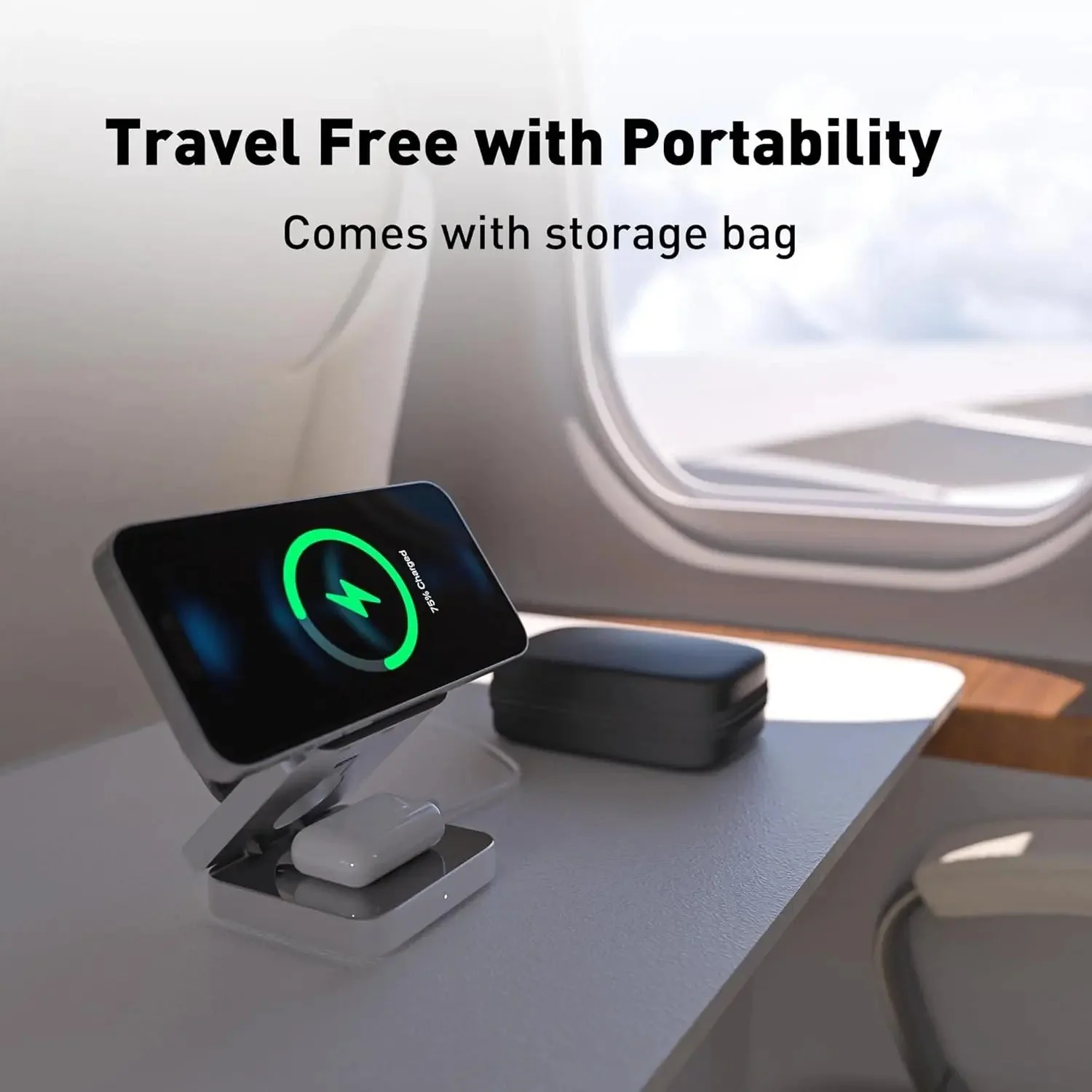
- Wireless Charging: Simply place your smartphone on the charging pad for effortless charging, perfect for overnight use or during daily routines.
- Adjustable Light Levels: The nightlight offers three settings, from subtle to bright, making it suitable for various situations.
- Clear Display: Time and temperature are easily visible, even from across the room, ensuring quick glances are all you need.
- Compact Design: Space-saving and ideal for use on nightstands, desks, or in living rooms.

Inspiration / Use-Cases
This versatile charging station is perfect for enhancing your nighttime routine, ensuring your phone is charged and your room is well-lit. Whether you're getting ready for bed or tackling tasks at your desk, this device helps you stay organized and efficient.
Technical Specifications
- Product Type: Wireless charging station with clock, nightlight, and temperature display
- Color: White
- Power Supply: USB
- Connection: USB Type-C
- Charging Type: Wireless
- Charging Function: Fast Charging
- Battery Type: Non-rechargeable battery
- Battery Details: Button cell (Diameter ≥ 20 mm)
- Light Levels: 3 levels
- Dimensions: 20 cm × 6.4 cm × 9.7 cm

Application
- Connect the device to power using the USB-C port.
- Place your smartphone centrally on the charging pad.
- Set the alarm and select your preferred light level.
Tip: Position the device so that the display and charging area are easily accessible for optimal use.
Original: $70.95
-70%$70.95
$21.29Product Information
Product Information
Shipping & Returns
Shipping & Returns
Description
Your bedside or desk can be a hub of convenience with this all-in-one charging station. Combining a clock, alarm, temperature display, and wireless charging capabilities, this compact device helps you minimize clutter while keeping essential functions easily accessible.
Key Benefits
- 4-in-1 Functionality: This device integrates a clock, alarm, temperature display, and charging pad in one unit, promoting a tidy space with fewer cables.
- Wireless Charging: Simply place your smartphone on the charging pad for effortless charging, perfect for overnight use or during daily routines.
- Adjustable Light Levels: The nightlight offers three settings, from subtle to bright, making it suitable for various situations.
- Clear Display: Time and temperature are easily visible, even from across the room, ensuring quick glances are all you need.
- Compact Design: Space-saving and ideal for use on nightstands, desks, or in living rooms.
Inspiration / Use-Cases
This versatile charging station is perfect for enhancing your nighttime routine, ensuring your phone is charged and your room is well-lit. Whether you're getting ready for bed or tackling tasks at your desk, this device helps you stay organized and efficient.
Technical Specifications
- Product Type: Wireless charging station with clock, nightlight, and temperature display
- Color: White
- Power Supply: USB
- Connection: USB Type-C
- Charging Type: Wireless
- Charging Function: Fast Charging
- Battery Type: Non-rechargeable battery
- Battery Details: Button cell (Diameter ≥ 20 mm)
- Light Levels: 3 levels
- Dimensions: 20 cm × 6.4 cm × 9.7 cm
Application
- Connect the device to power using the USB-C port.
- Place your smartphone centrally on the charging pad.
- Set the alarm and select your preferred light level.
Tip: Position the device so that the display and charging area are easily accessible for optimal use.